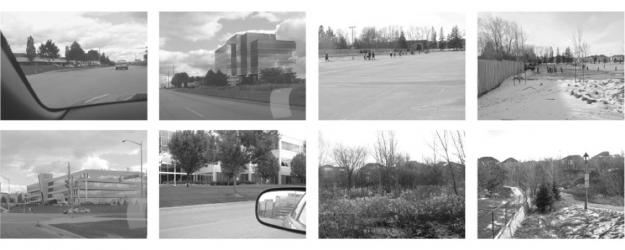
Acculturation City
Step 1: Press the unlock icon in the top-left corner.
Step 2: Press the “+” icon to add images.
Step 3: Drag preferred cover image into box above.
Step 4: Replace this text with your own and turn off the unlock icon.
Step 5: Press the box above to go back.
by
Esther Cheung

Acculturation City
Step 1: Press the unlock icon in the top-left corner.
Step 2: Press the “+” icon to add images.
Step 3: Drag preferred cover image into box above.
Step 4: Replace this text with your own and turn off the unlock icon.
Step 5: Press the box above to go back.


EyeTime
14918
Views
2,168

More by Esther Cheung